 E‑Rechnungs-Studio
Convert a PDF invoice to ZUGFeRD or XRechnung
Upload your PDF invoice and review the extracted details. Correct them if needed, then download the e-invoice as a ZUGFeRD PDF with embedded XML data or an XRechnung XML file.
- Upload PDF
- Review details
- Correct if needed
- Download e-invoice
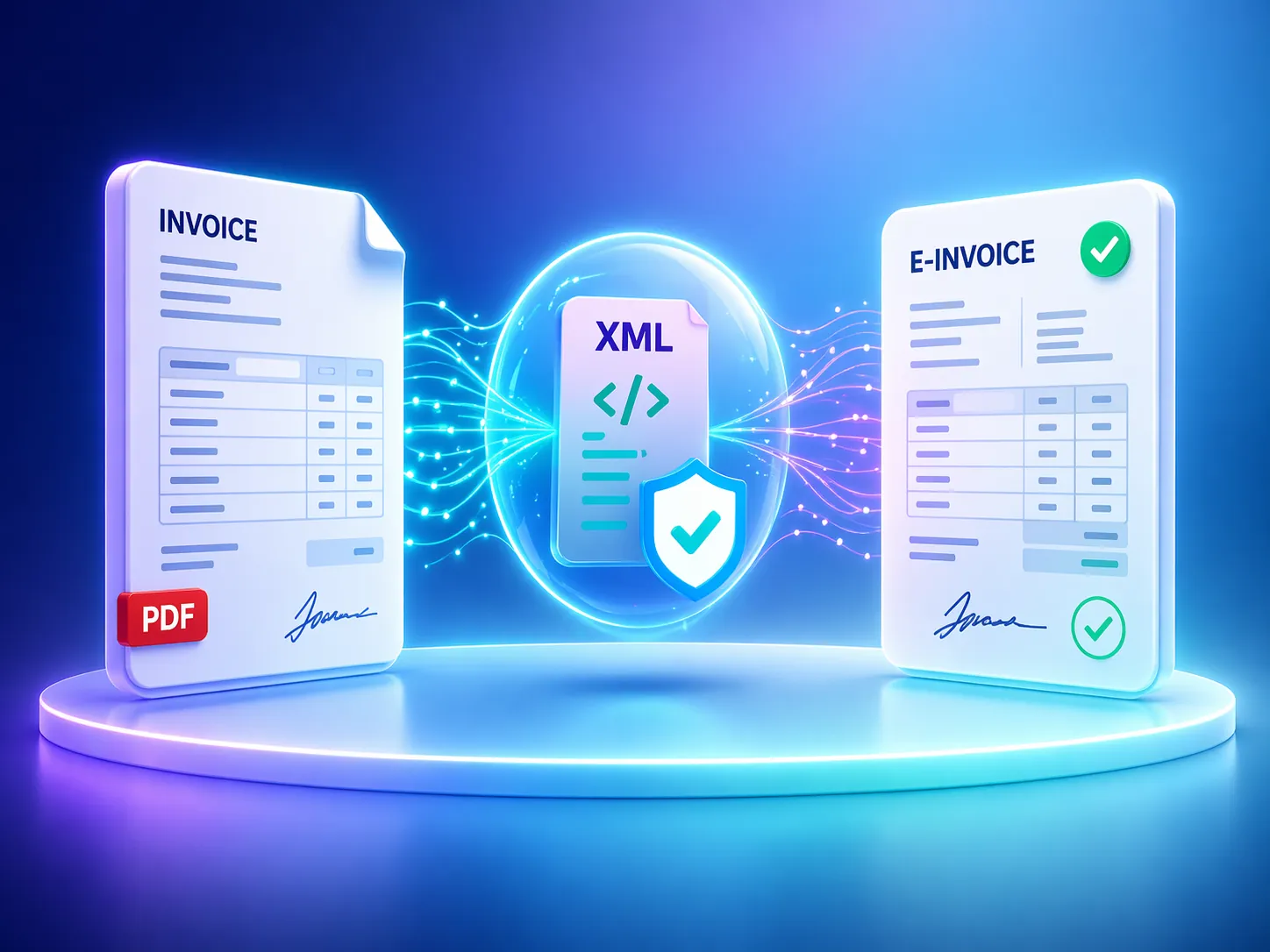
Upload your PDF invoice
Choose the PDF invoice you want to convert. You can then review and correct the extracted details.
Drop your PDF invoice here
Both formats are available to download after conversion
After conversion, download whichever format your recipient or upload portal requires.
ZUGFeRD and XRechnung compared
Both formats contain structured invoice data but use different file types. Choose the format required by your recipient or their upload portal.
ZUGFeRD (PDF with embedded XML)
Choose ZUGFeRD when the recipient accepts or requests a readable PDF with structured XML invoice data embedded in it.
Convert a PDF invoice to ZUGFeRD 2.5.2XRechnung (XML)
Choose XRechnung when the recipient or portal specifically requests an XRechnung. The downloaded XRechnung is a standalone XML file, not a PDF.
Convert a PDF invoice to XRechnungIf you are unsure, ask your recipient which format they need.
How to convert your PDF invoice
Upload the PDF
Upload an existing PDF invoice. The converter automatically extracts the invoice details.
Review and correct the details
Compare the extracted details with your PDF. Add missing information, correct any errors and address the issues highlighted by technical validation.
Download the e-invoice
Download the result in your chosen format as a ZUGFeRD PDF with embedded XML data or XRechnung XML. Then submit the file in the way required by your recipient.
What the converter checks — and what you should review
Automated extraction can miss details or read them incorrectly. Compare the extracted information carefully with your original invoice.
- Supplier and recipient details, invoice number and invoice date
- Line items, quantities, amounts, totals and VAT information
- Payment details and references required by the recipient
What technical validation means
Technical validation highlights issues with the XML structure, missing mandatory fields and unmet business rules. It cannot confirm that every invoice detail is factually correct or guarantee that the recipient will accept the file.
Technical details
These details are useful when a recipient specifies a particular invoice format or a technical system requires one.
- ZUGFeRD: You receive a readable PDF with structured XML invoice data embedded in it.
- XRechnung: The converter generates an XML file using the UN/CEFACT CII syntax. UBL output is not currently available.
- Validation: Technical validation applies to the generated XML invoice data; you still need to review the visible content of the uploaded PDF yourself.
- Limits: One PDF is processed per conversion. Invoices can contain up to 100 line items.
- Recipient requirements: Additional references and the required submission method depend on the recipient.
Frequently asked questions
Can I convert an existing PDF invoice into an e-invoice?
Yes. Upload the PDF, review and correct the automatically extracted invoice details, then download the result as a ZUGFeRD PDF or XRechnung XML.
Which format do I need: ZUGFeRD or XRechnung?
Follow your recipient’s requirements. With ZUGFeRD, you receive a readable PDF with embedded XML invoice data, while XRechnung is an XML file. Ask your recipient if the required format is not clearly specified.
Do I need to understand or edit XML?
No. You review and edit the invoice details in a form, and the converter creates the XML structure. You can also inspect the generated XML file if needed.
What does technical validation check?
It checks the generated XML invoice data for structural issues, mandatory fields and business rules, and displays warnings and errors. It does not verify that every invoice detail is factually correct or guarantee that the recipient will accept the file.
Do I need an account, and is conversion free?
No account is required. You can currently convert 1 PDF per month for free without an account. A free account includes up to 3 PDF conversions per month. Basic and Pro are also currently free, and no payment details are required.
Is the generated e-invoice sent automatically?
No. You download the generated file and then submit it in the way required by your recipient.
What happens to my uploaded invoice file?
Your uploaded PDF, generated results and processing logs are processed to provide the conversion service and related checks. Temporary processing data is deleted within 30 days unless longer retention is required by law. Your invoice data is not used to train AI models.